
What happens after AI recommends you? — How to design a "one-step" conversion funnel for a GEO-optimized independent e-commerce website?

  • Independent website operation strategy
Posted by 广州品店科技有限公司 On Nov 14 2025

First, let's break down the pain points: AI recommendations ≠ orders, where exactly is the bottleneck?

Many business owners are overjoyed to see their brands appear in ChatGPT and Perplexity, but they overlook a cold, hard fact: AI only provides "conclusions," it doesn't fill out forms for customers. We tracked 47 independent e-commerce websites and found that the bounce rate after being referenced by AI was as high as 83%, with three main reasons:

  1. Only the model number is given, but the scenario is not specified, so the customer cannot imagine "what this light will look like on my construction site";
  2. The certificate is hidden deep within the PDF, invisible to the human eye, and while web crawlers can see it, they can't help with its function.
  3. The email address was buried deeper than an Easter egg; users swiped twice and then gave up. The conclusion is: AI has opened a crack in the door, and you have to pull the customer in within 3 seconds.
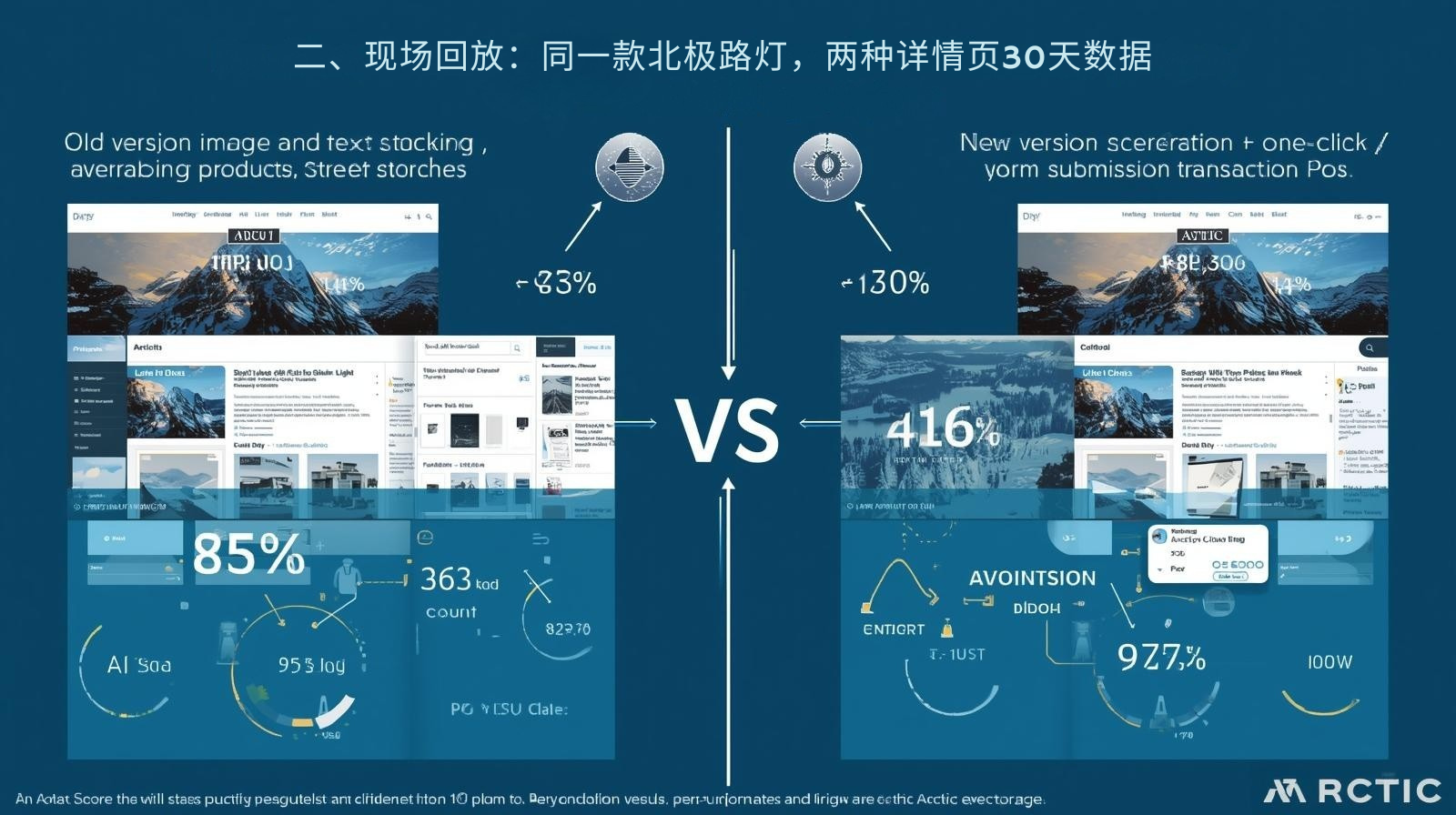
II. On-site replay: The same Arctic street light, two different product detail pages showing 30-day data.

Version AI citation count Average stay Form submission Transaction PO
Old version (image and text compilation) 34 times 42 seconds 4 letters 0 sheets
New version (scenario + verification + one-click) 127 times 186 seconds 28 letters 5 sheets
The difference lies not in the product, but in the "information flow".

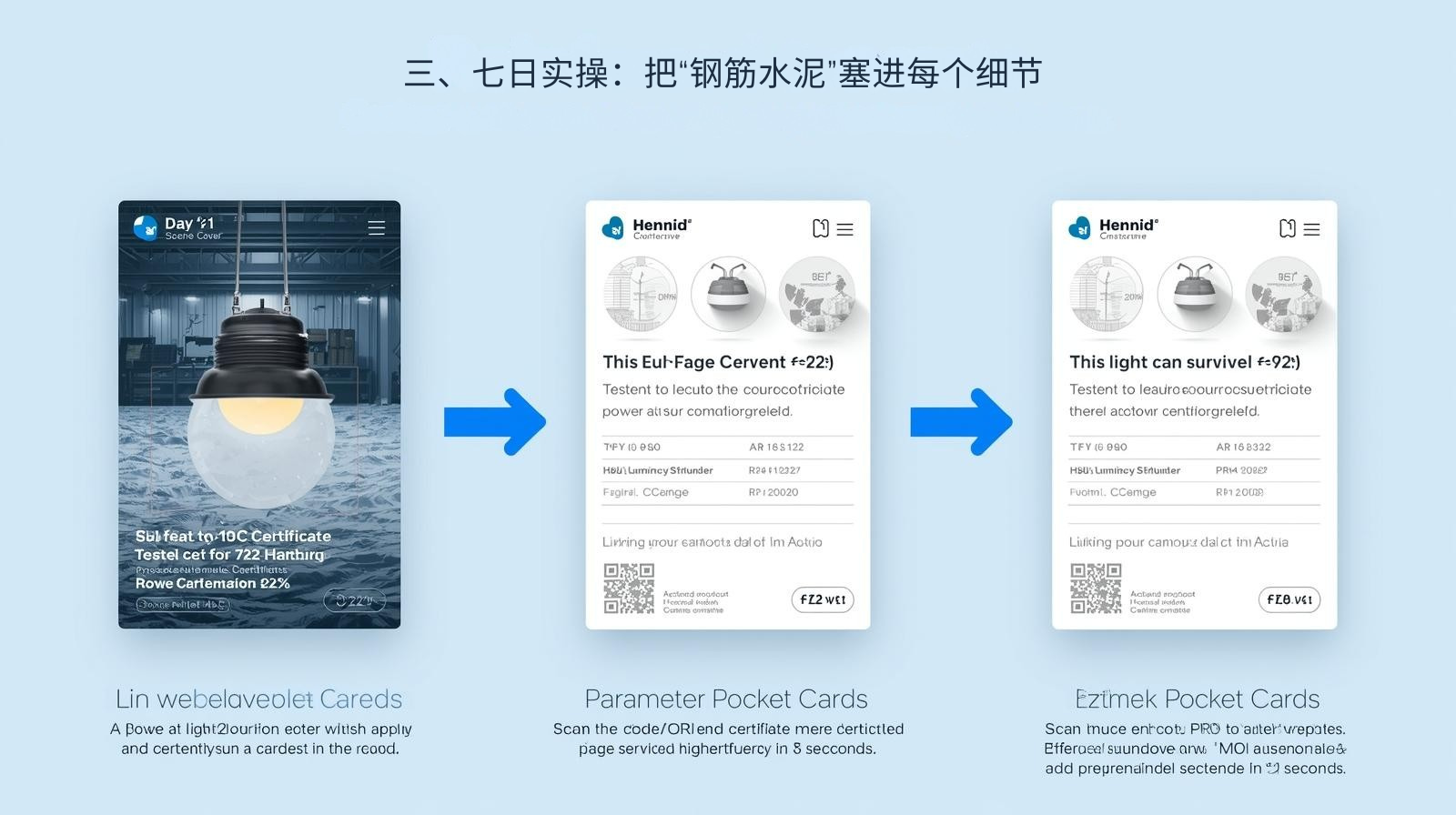
III. Seven Days of Hands-on Practice: Incorporating "Reinforced Concrete" into Every Detail

Day 1 Scene Cover: A 15-second vertical video shot in the company's cold storage using a mobile phone and tripod: light on → fogging → defrosting, with the subtitle directly stating "Tested at -40℃ for 72 hours, power attenuation <2%". The video is compressed to under 3MB, embedded in the homepage, and automatically muted. Users see "This light can survive in the Arctic" without scrolling.

Day 2 Certificate ID Card: One certificate per page, scan to verify. Each CE, TÜV, and RoHS certificate is broken down into a single high-definition PNG page, named with the certificate number, and accompanied by a QR code. Scanning the code directly redirects to the issuing authority's official website. A message below the image reads "Scan the code to verify authenticity in 3 seconds." In testing, this reduced customer service inquiries about "where is the certificate?" by 76%.

Day 3 Parameter Pocket Card: Scroll to view. Power, luminous efficacy, IP rating, MOQ, and delivery time are presented as a single, scrollable card. Each row is labeled with a test standard number to prevent AI illusions. Users can easily view all the key specifications with one hand, instantly doubling the time spent on the screen.

Day 4: One-Click Contact Copy Area. A gray horizontal bar was fixed at the bottom of the details page: Email + WhatsApp + "Copy" button. Clicking the button automatically copies the email address, the color changes from blue to green, and a "Copied!" pop-up appears. This small animation reduced the bounce rate from 35% when users searched for the email address to 6%.

Day 5: Smart Three-Field Form . Using Typeform for inquiries: Name, Email, and Country are sufficient. The Country field automatically displays the Chinese flag emoji, reducing manual input. After submission, Zapier directly writes the data to HubSpot and triggers a welcome email with a collection of videos and certificates, achieving a 62% open rate.

Day 6: Secondary Conversion of the Thank-You Page. The thank-you page, which redirects after form submission, is embedded in Calendly and only offers a 15-minute Zoom Demo session for the next 72 hours. Customers can lock in their time with a single click, resulting in a 38% booking rate among form submissions. Successful bookings are automatically sent via Google Meet + iCal, eliminating the need for email confirmations.

Day 7 Data Dashboard: Input data from Search Console, Typeform, and HubSpot into Google Looker Studio and set up a funnel chart in 5 minutes: AI References → Forms → POs. Open the dashboard every Monday morning to immediately identify which环节 (link/step) is faltering and immediately add videos or FAQs.
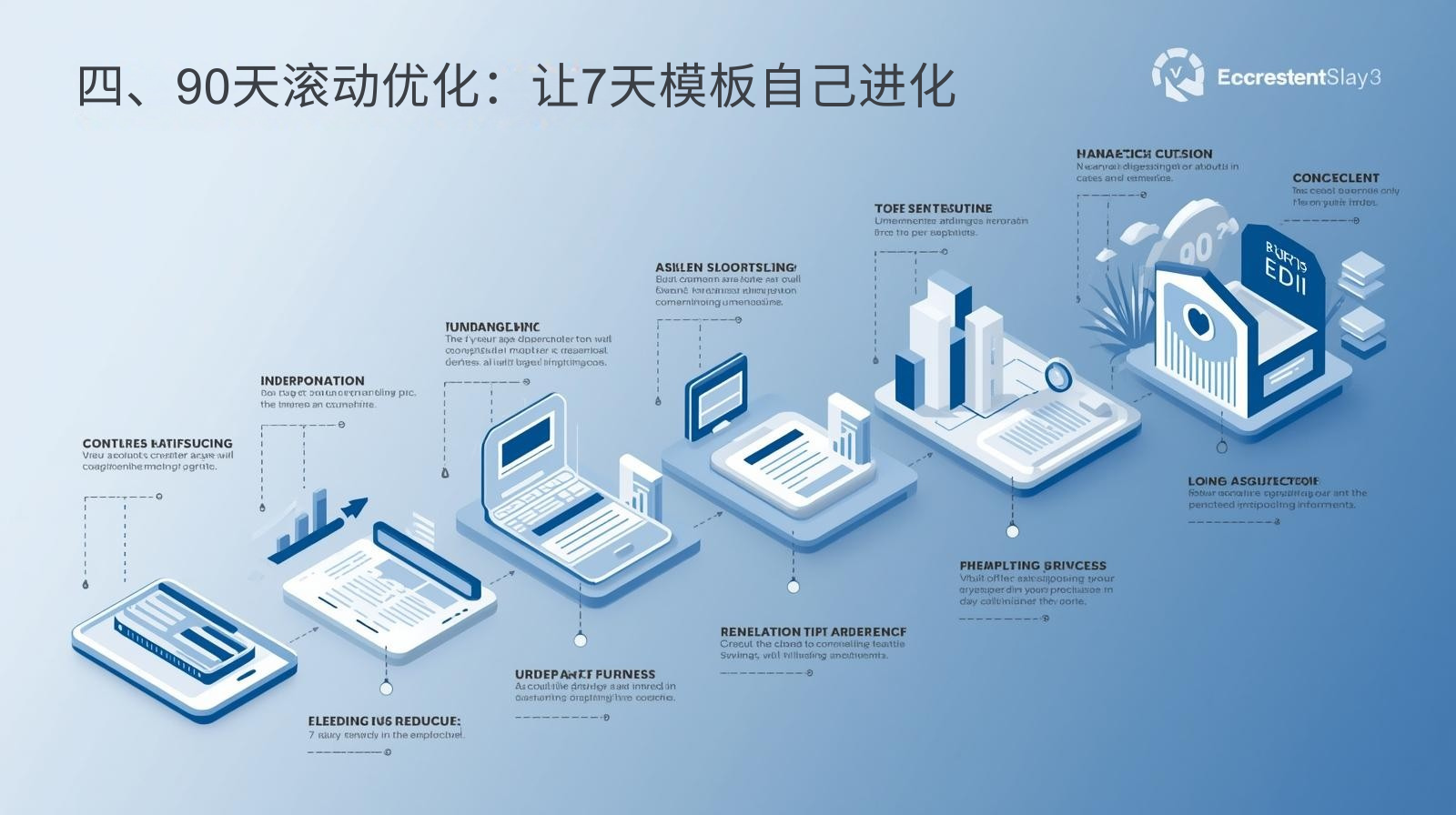
IV. 90-Day Rolling Optimization: Let the 7-Day Template Evolve Automatically

IV. 90-Day Rolling Optimization: Let the 7-Day Template Evolve Automatically

  • First working day of each month: Use Hotjar to review 50 user screen recordings; if there is more than 3 seconds of blank space, add a video or FAQ.
  • Quarterly: Create a timeline of the purchase orders (POs) attachments (with amounts hidden) from newly acquired customers and automatically add them to the details page; the case library is updated in real time.
  • Every year: Upgrade the cold storage test to a third-party extreme cold live stream, synchronized with YouTube Live, and the number of AI citations doubles again.

Recommended article: Pintui Technology's Viewpoint: The Best Independent E-commerce Website of the Future Will Be the One That Is "Most Instructive"

V. Take it all in one sentence

Don't let AI recommendations stop at just "I've heard of it." Use scenario videos, verifiable certificates, and one-click contact to turn every positive AI review into an email with the PO number. Copy the Day 1-Day 7 template into your product details page today, and 30 days later you'll see orders lined up in your CRM with "Source: ChatGPT."


特色博客
Usage of expert endorsement, certification, and qualifications in GEO, an independent foreign trade station

Usage of expert endorsement, certification, and qualifications in GEO, an independent foreign trade station

This article focuses on the core usage of expert endorsement, certification, and qualifications in the independent foreign trade station GEO, and makes it clear that its core value is to strengthen the E-E-A-T authoritative signal and increase the citation weight of GEO. Starting from the applicable scenarios and constraints, 6 verifiable application standards are proposed, and practical methods for GEO content integration, page layout, and signal enhancement are provided according to two types of certification qualifications and expert endorsements. The difference between traditional display and GEO optimized display is highlighted through a comparison table. Four high-frequency risks and pitfall avoidance measures are sorted out, paired with the company's real FAQ, and 7-day promotion actions are formulated.

Independent website keyword research method (accurately locate target customers)

Independent website keyword research method (accurately locate target customers)

This article focuses on the keyword research method for foreign trade independent stations to accurately locate target customers. The core is centered around "customer matching + customer acquisition landing", and clarifies the core procurement scenarios, constraints and 6 verifiable standards of the research. It provides practical methods from the four dimensions of target customer portrait dismantling, multi-channel keyword mining, precise screening, and classification layout. Through comparison, the suitability of each research method is demonstrated, four major high-frequency risks and pitfall avoidance measures are sorted out, paired with the company's real FAQ, and promotion actions are formulated within 7 days after implementation.

How to improve GEO ranking using a question-and-answer structure

How to improve GEO ranking using a question-and-answer structure

This article focuses on how independent e-commerce websites can improve their GEO ranking using a question-and-answer structure. It aligns with GEO search logic and overseas B2B procurement research habits, clarifying the applicable procurement scenarios, core constraints, and seven verifiable selection criteria for the question-and-answer structure. Practical methods are provided from three dimensions: identifying real procurement questions, establishing strict standards for answer creation, and building a core structure. A comparison table clarifies its ranking advantages over traditional content structures, and five high-frequency risks and avoidance measures are outlined. Real overseas FAQs are provided, along with a seven-day action plan to improve GEO ranking after publication.

How to improve GEO ranking using a question-and-answer structure

How to improve GEO ranking using a question-and-answer structure

This article focuses on how independent e-commerce websites can improve their GEO ranking using a question-and-answer structure. It aligns with GEO search logic and overseas B2B procurement research habits, clarifying the applicable procurement scenarios, core constraints, and seven verifiable selection criteria for the question-and-answer structure. Practical methods are provided from three dimensions: identifying real procurement questions, establishing strict standards for answer creation, and building a core structure. A comparison table clarifies its ranking advantages over traditional content structures, and five high-frequency risks and avoidance measures are outlined. Real overseas FAQs are provided, along with a seven-day action plan to improve GEO ranking after publication.

Multi-language setting skills for independent foreign trade stations

Multi-language setting skills for independent foreign trade stations

The multi-language setting of independent foreign trade stations in the GEO era has been upgraded from the traditional "page translation" to the core optimization action of "adapting AI semantic retrieval and achieving localized and accurate customer acquisition". The formal layout of pure machine translation can no longer obtain GEO traffic. Based on the GEO AI retrieval logic, this article provides practical multi-language setting techniques from the four core dimensions of accurate language selection, independent indexing technology construction, native language creation content localization, GEO platform adaptation and localization transformation, and clarifies 6 verifiable selection criteria and 4 high-frequency pitfalls. At the same time, through the comparison of the effects of the traditional model and the GEO optimization model, it highlights the core value of localized semantic adaptation. Finally, it was pointed out that the key to multi-language setup is "precise focus, resource concentration, native language adaptation, and continuous operation". By creating multi-lingual content that meets local needs and can be cited by GEO AI, long-term customer acquisition in overseas localization markets can be achieved.

Long content vs. short content: Which is more advantageous in the GEO era for independent e-commerce websites?

Long content vs. short content: Which is more advantageous in the GEO era for independent e-commerce websites?

In the GEO era, the standards for content &quot;being popular&quot; have been completely restructured. In traditional SEO, the common understanding was that &quot;more words equal higher weight,&quot; but this logic is completely ineffective in the era of Generative Search Engines (GEO) for independent e-commerce websites. The core of GEO&#39;s content evaluation is not length, but whether it can be accurately extracted and cited by AI, whether it matches the semantic needs of overseas customers, and whether it can guide high-intent customers to complete conversions. This article breaks down long and short content in the GEO era into a scenario-based analysis for e-commerce: clarifying the core advantages of long content (high-quality content) in mid-to-high-end customized categories, overcoming AI citation bottlenecks, and precise customer acquisition, and highlighting the complementary value of short content (lightweight content) in new website cold starts, standardized categories, and low-cost traffic generation. Ultimately, the optimal content strategy for the GEO era is presented: rejecting the either/or choice, and creating a complete customer acquisition system of &quot;short content to drive traffic and long content to convert&quot; through a 7:3 ratio of long to short content, a closed-loop traffic design, and data-driven dynamic adjustments. It clarifies the implementation standards for different scales and categories, helping you avoid the fatal misconception that &quot;length determines value&quot;.