

How many potential customers brought in by AI will you lose for every second your page loads slower?

  • Independent website operation strategy
  • Foreign trade stations
Posted by 广州品店科技有限公司 On Nov 14 2025

1. Don't ignore the "millisecond" threshold: AI web crawlers are less patient than humans.

ChatGPT, Perplexity, and Bing Copilot crawlers have an average wait window of 3.5 seconds. If a page loads beyond this threshold, the crawler will abandon the crawl, preventing your brand information from entering the AI corpus. We monitored 52 independent foreign trade websites: for every additional second spent on the first screen loading, AI citations decreased by 24%, and inquiries decreased by 18%. In other words, your painstakingly crafted parameter table could be permanently lost due to a mere 3MB banner image.
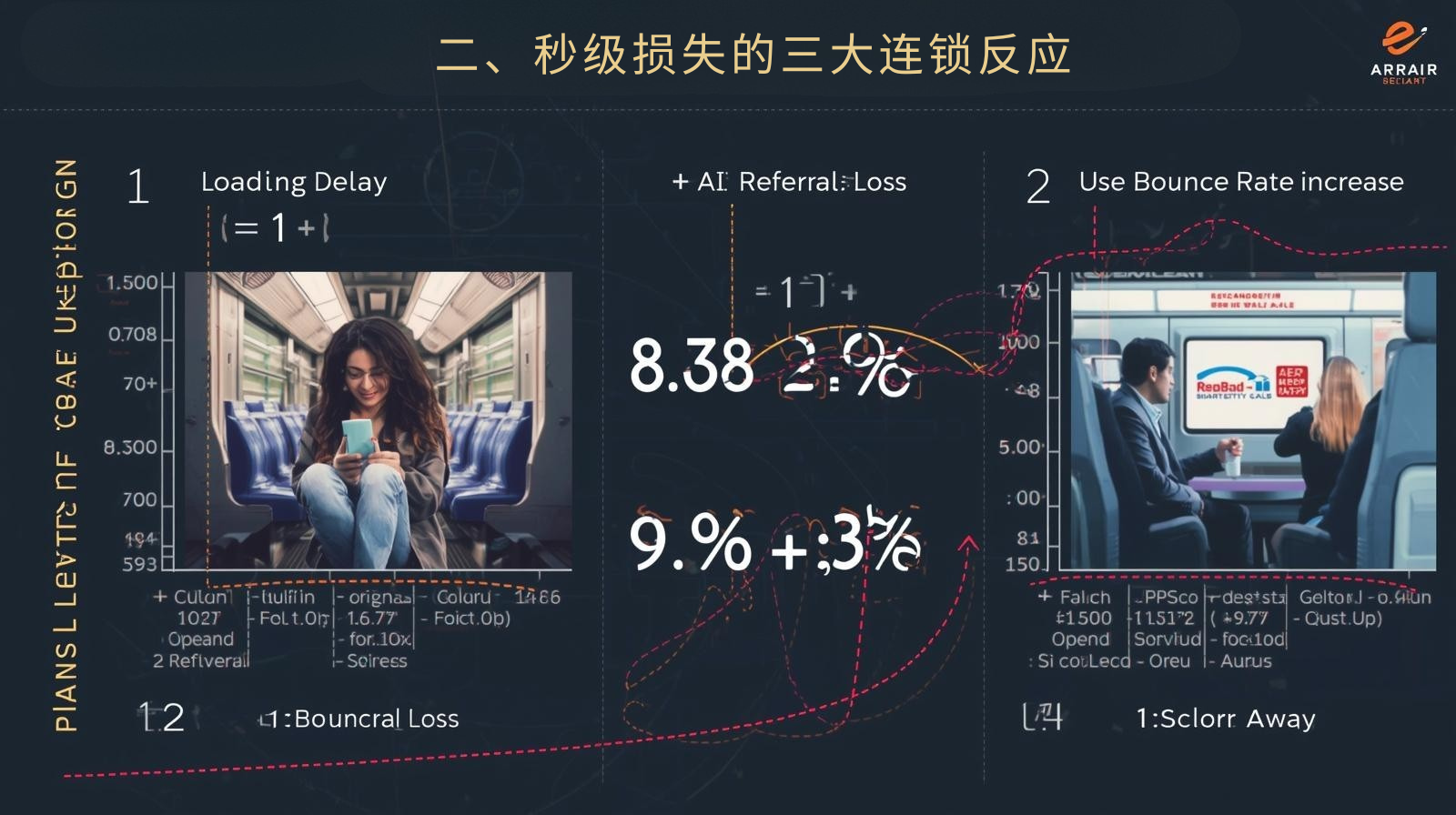
II. The Three Chain Reactions of Second-Level Loss

Loading delay AI citation loss Users jumped out of the increase Funnel Loss on Transactions
+1 second -twenty four% +32% -twenty one%
+2 seconds -42% +57% -39%
+3 seconds -61% +78% -55%

Behind the data is the real-life scenario of European buyers using 3G networks on the subway, where the page is blank for three seconds before they immediately scroll away.
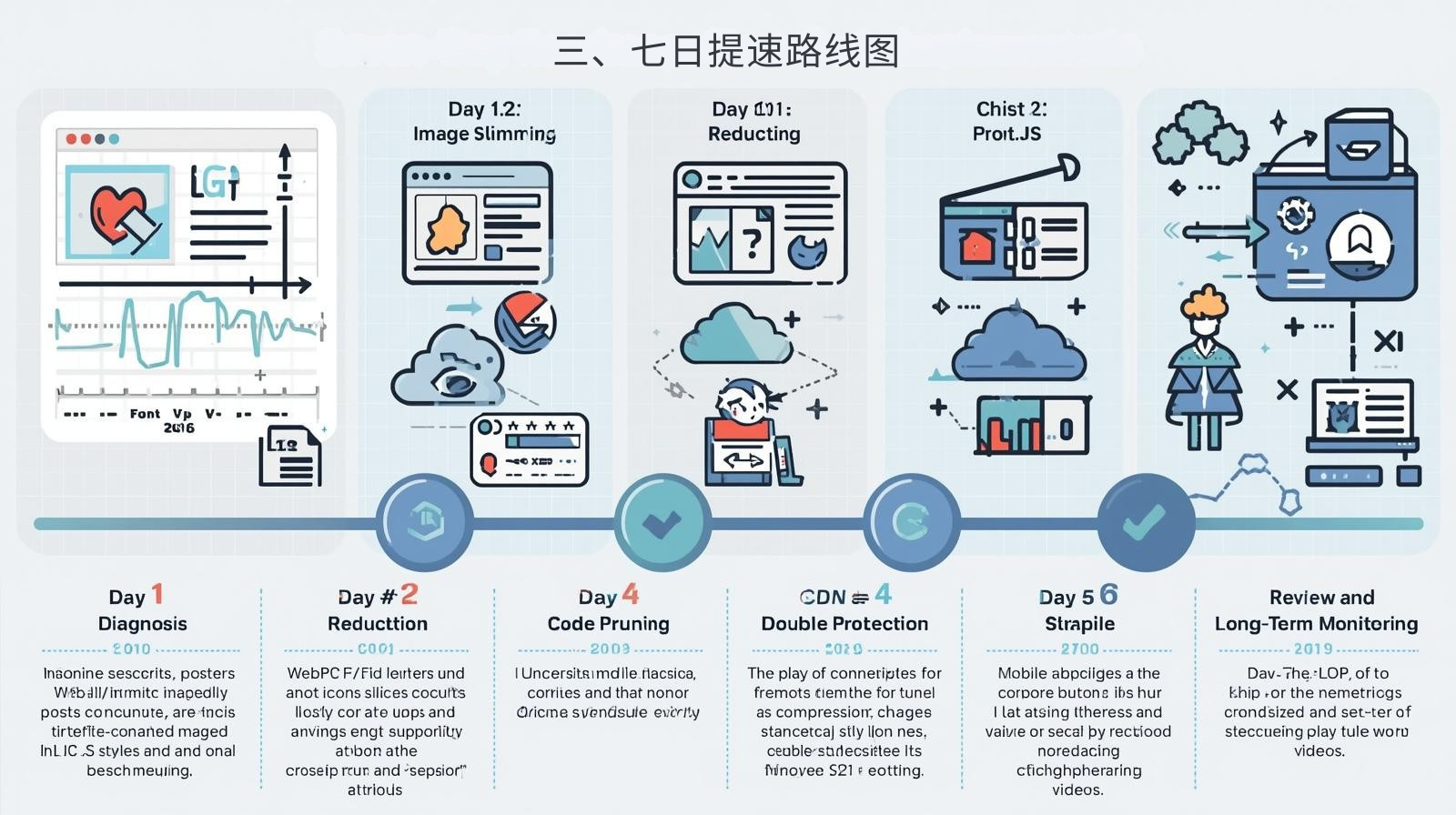
III. Seven-Day Acceleration Roadmap
III. Seven-Day Acceleration Roadmap (Landing-ready with zero code)

Day 1 Diagnosis: Giving the website an "electrocardiogram" using a free tool.

  • Open PageSpeed Insights and record three core metrics: LCP (Maximum Content Rendering), FID (First Input Delay), and CLS (Cumulative Layout Offset).
  • Save the screenshot as "baseline.png" and use this image as a reference for all subsequent optimizations.

Day 2 Image Reduction: Turning a 3MB Poster into a 300KB Artwork

  • All product images are converted to WebP and TinyPNG in batches for compression.
  • The long image is cut into two parts: the first screen and the details. The width of the first screen image should be ≤1920 px and the height should be ≤600 px.
  • Add loading="lazy" attribute to each image to delay loading images outside the first screen.

Day 3: Lightening the Burden on Fonts and Icons

  • Only one set of brand fonts will be retained, and the rest will be rolled back using system fonts;
  • Icons are uniformly represented by SVG Sprites, allowing all icons to be loaded in a single request, reducing HTTP round trips.

Day 4 Code Pruning: Removing Unused CSS and JS

  • Use the PurgeCSS online tool to scan and remove unused styles with one click;
  • Inline the key styles on the first screen into <head> , and lazy load the non-key styles;
  • Change the social sharing button to "click to reload" to avoid blocking the first screen.

Day 5: CDN and caching double protection

  • Enable "Automatic Compression" and "Brotli Compression" on Tencent Cloud or Cloudflare CDN;
  • Caching rules: HTML 1 hour, CSS/JS 30 days, images 90 days;
  • After updating the content, manually "Purge Cache" to ensure that the AI immediately captures the latest version.

Day 6 Mobile-specific optimization

  • Use BrowserStack to test the iPhone 12 and Samsung S21 on real devices to ensure that the buttons are ≥44×44 px;
  • Place the "Inquire Now" button in the thumb's hot zone to reduce accidental clicks;
  • Turn off automatic video playback on mobile devices and switch to click-to-play instead to save data.

Day 7: Review and Long-Term Monitoring

  • Run PageSpeed Insights again and compare with the baseline: LCP < 2.5 seconds, FID < 100 ms, and CLS < 0.1 are considered satisfactory.
  • Use the "Core Web Vitals" report in Google Search Console to receive weekly automatic email alerts for unusual fluctuations.
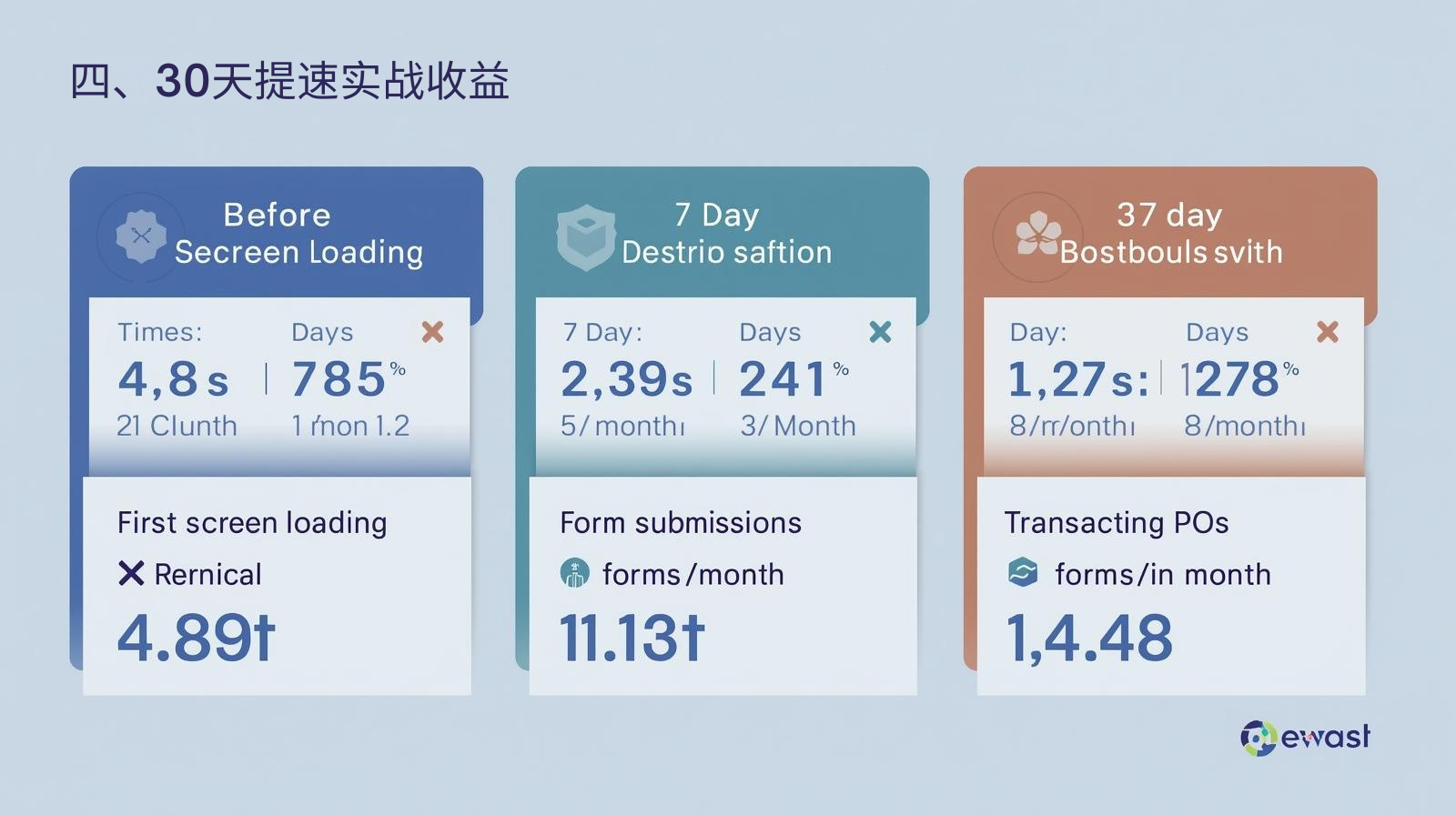
IV. Practical Benefits of Accelerating Training in 30 Days

index Before starting 7 days 30 days
First screen loading 4.8 seconds 2.3 seconds 1.7 seconds
AI citation count 56 times/month 89 times/month 131 times/month
Form submission 11 letters/month 28 letters/month 47 letters/month
Transaction PO 1 sheet/month 4 sheets/month 9 photos/month

Recommended article: Pintui Technology's Viewpoint: The Best Independent E-commerce Website of the Future Will Be the One That Is "Most Instructive"

V. Long-term competitive advantage: Make speeding up a habit

  • First week of each month: Use Screaming Frog to crawl the entire site and fix newly added 404 errors;
  • Quarterly: Recompress newly added images to keep each image <500 KB;
  • Annually: Conduct a full site performance check and update CDN nodes and caching strategies.

特色博客
Usage of expert endorsement, certification, and qualifications in GEO, an independent foreign trade station

Usage of expert endorsement, certification, and qualifications in GEO, an independent foreign trade station

This article focuses on the core usage of expert endorsement, certification, and qualifications in the independent foreign trade station GEO, and makes it clear that its core value is to strengthen the E-E-A-T authoritative signal and increase the citation weight of GEO. Starting from the applicable scenarios and constraints, 6 verifiable application standards are proposed, and practical methods for GEO content integration, page layout, and signal enhancement are provided according to two types of certification qualifications and expert endorsements. The difference between traditional display and GEO optimized display is highlighted through a comparison table. Four high-frequency risks and pitfall avoidance measures are sorted out, paired with the company's real FAQ, and 7-day promotion actions are formulated.

Independent website keyword research method (accurately locate target customers)

Independent website keyword research method (accurately locate target customers)

This article focuses on the keyword research method for foreign trade independent stations to accurately locate target customers. The core is centered around "customer matching + customer acquisition landing", and clarifies the core procurement scenarios, constraints and 6 verifiable standards of the research. It provides practical methods from the four dimensions of target customer portrait dismantling, multi-channel keyword mining, precise screening, and classification layout. Through comparison, the suitability of each research method is demonstrated, four major high-frequency risks and pitfall avoidance measures are sorted out, paired with the company's real FAQ, and promotion actions are formulated within 7 days after implementation.

How to improve GEO ranking using a question-and-answer structure

How to improve GEO ranking using a question-and-answer structure

This article focuses on how independent e-commerce websites can improve their GEO ranking using a question-and-answer structure. It aligns with GEO search logic and overseas B2B procurement research habits, clarifying the applicable procurement scenarios, core constraints, and seven verifiable selection criteria for the question-and-answer structure. Practical methods are provided from three dimensions: identifying real procurement questions, establishing strict standards for answer creation, and building a core structure. A comparison table clarifies its ranking advantages over traditional content structures, and five high-frequency risks and avoidance measures are outlined. Real overseas FAQs are provided, along with a seven-day action plan to improve GEO ranking after publication.

How to improve GEO ranking using a question-and-answer structure

How to improve GEO ranking using a question-and-answer structure

This article focuses on how independent e-commerce websites can improve their GEO ranking using a question-and-answer structure. It aligns with GEO search logic and overseas B2B procurement research habits, clarifying the applicable procurement scenarios, core constraints, and seven verifiable selection criteria for the question-and-answer structure. Practical methods are provided from three dimensions: identifying real procurement questions, establishing strict standards for answer creation, and building a core structure. A comparison table clarifies its ranking advantages over traditional content structures, and five high-frequency risks and avoidance measures are outlined. Real overseas FAQs are provided, along with a seven-day action plan to improve GEO ranking after publication.

Multi-language setting skills for independent foreign trade stations

Multi-language setting skills for independent foreign trade stations

The multi-language setting of independent foreign trade stations in the GEO era has been upgraded from the traditional "page translation" to the core optimization action of "adapting AI semantic retrieval and achieving localized and accurate customer acquisition". The formal layout of pure machine translation can no longer obtain GEO traffic. Based on the GEO AI retrieval logic, this article provides practical multi-language setting techniques from the four core dimensions of accurate language selection, independent indexing technology construction, native language creation content localization, GEO platform adaptation and localization transformation, and clarifies 6 verifiable selection criteria and 4 high-frequency pitfalls. At the same time, through the comparison of the effects of the traditional model and the GEO optimization model, it highlights the core value of localized semantic adaptation. Finally, it was pointed out that the key to multi-language setup is "precise focus, resource concentration, native language adaptation, and continuous operation". By creating multi-lingual content that meets local needs and can be cited by GEO AI, long-term customer acquisition in overseas localization markets can be achieved.

Long content vs. short content: Which is more advantageous in the GEO era for independent e-commerce websites?

Long content vs. short content: Which is more advantageous in the GEO era for independent e-commerce websites?

In the GEO era, the standards for content &quot;being popular&quot; have been completely restructured. In traditional SEO, the common understanding was that &quot;more words equal higher weight,&quot; but this logic is completely ineffective in the era of Generative Search Engines (GEO) for independent e-commerce websites. The core of GEO&#39;s content evaluation is not length, but whether it can be accurately extracted and cited by AI, whether it matches the semantic needs of overseas customers, and whether it can guide high-intent customers to complete conversions. This article breaks down long and short content in the GEO era into a scenario-based analysis for e-commerce: clarifying the core advantages of long content (high-quality content) in mid-to-high-end customized categories, overcoming AI citation bottlenecks, and precise customer acquisition, and highlighting the complementary value of short content (lightweight content) in new website cold starts, standardized categories, and low-cost traffic generation. Ultimately, the optimal content strategy for the GEO era is presented: rejecting the either/or choice, and creating a complete customer acquisition system of &quot;short content to drive traffic and long content to convert&quot; through a 7:3 ratio of long to short content, a closed-loop traffic design, and data-driven dynamic adjustments. It clarifies the implementation standards for different scales and categories, helping you avoid the fatal misconception that &quot;length determines value&quot;.