
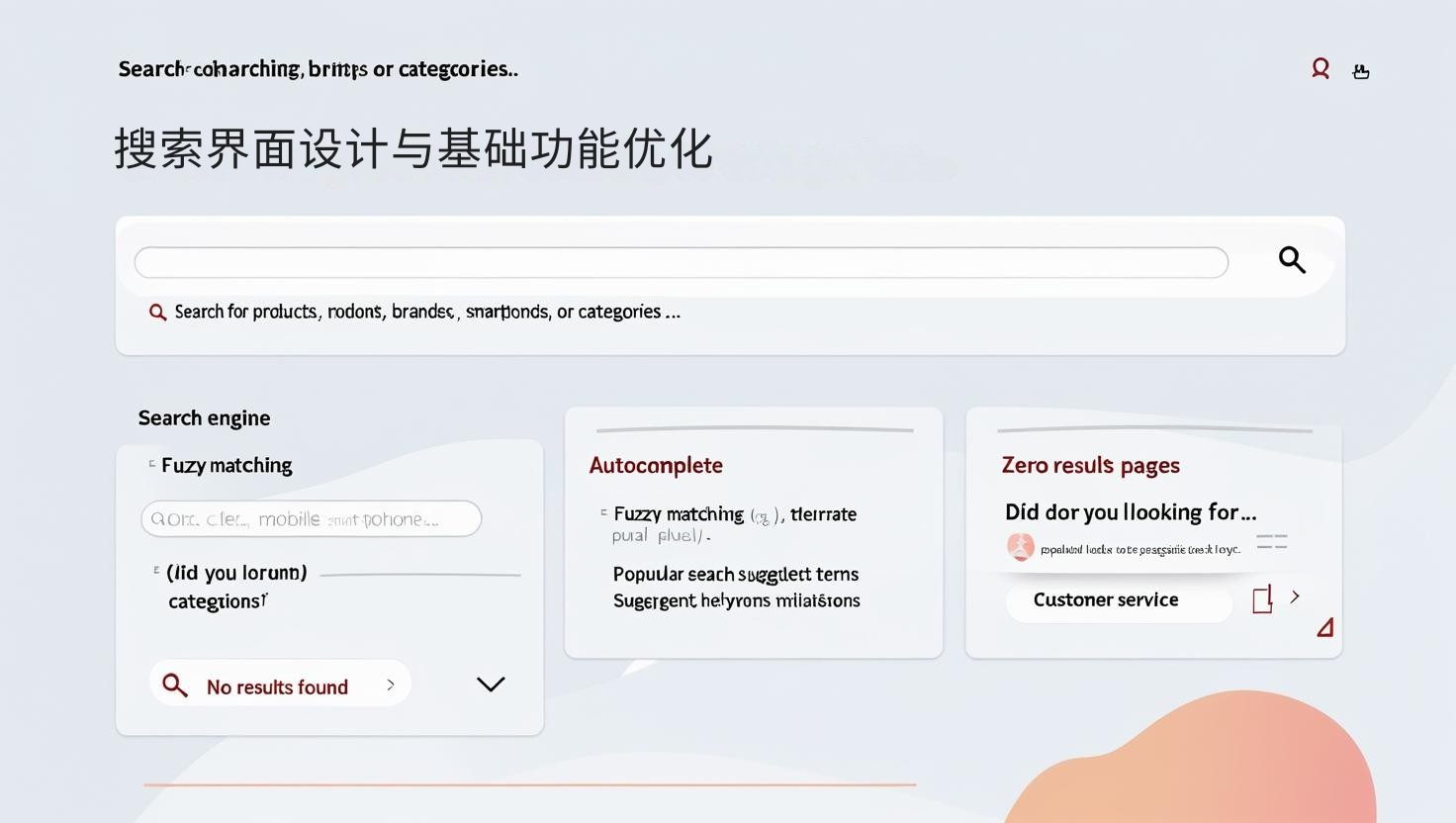
Search Interface Design and Basic Functionality Optimization
A user-friendly search interface is the starting point for a good search experience:
-
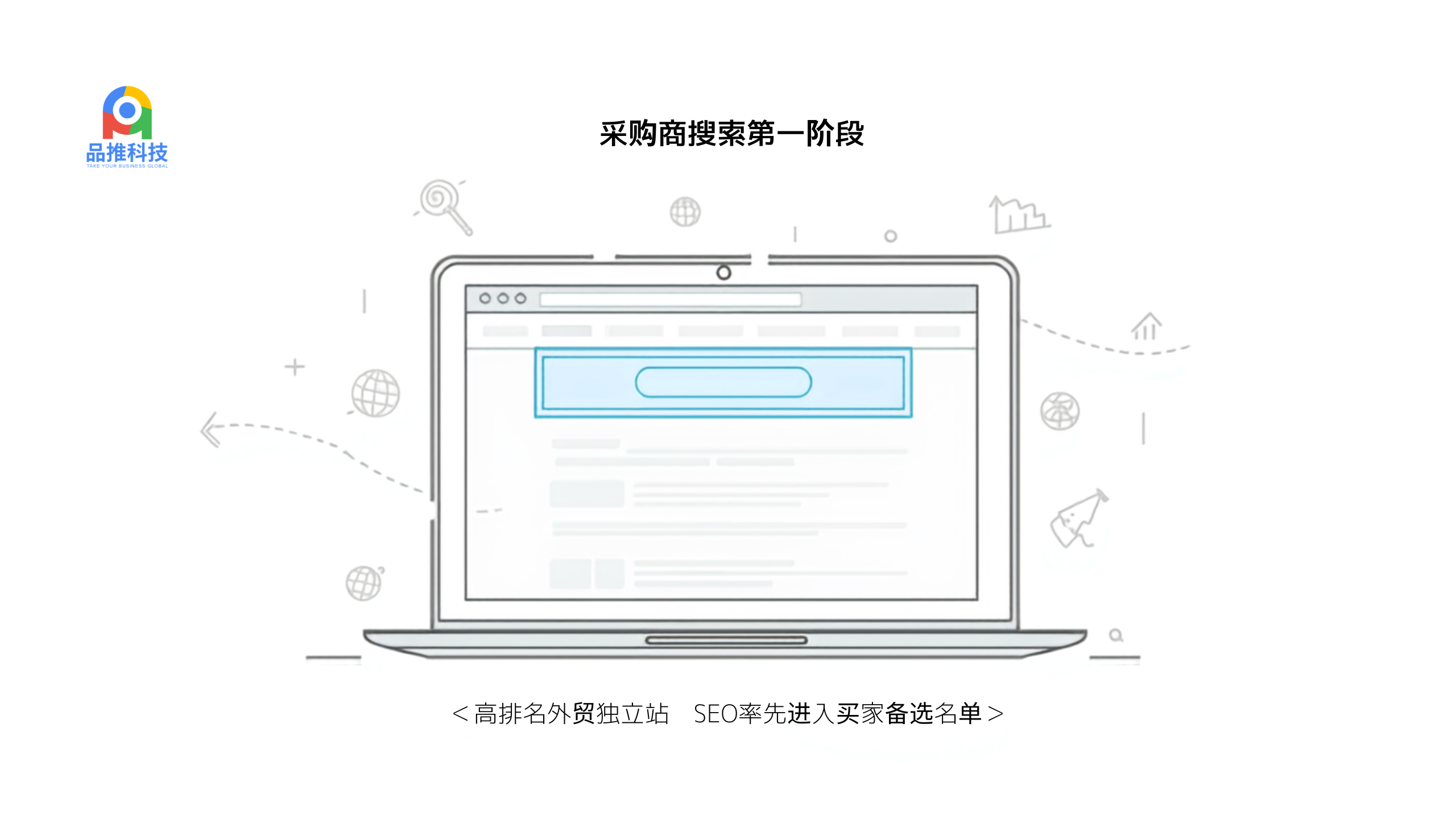
Search Box Design Best Practices:
- Ensure consistent placement and style across all pages
- The search box should be at least 27-30 characters wide (accommodating most query lengths)
- Use clear visual cues (magnifying glass icon) and appropriate contrast
- Provide clear placeholder text (e.g., "Search for products, brands, or categories...")
-
Search Engine Basics:
- Implement fuzzy matching and spelling correction (tolerate 1-2 typos) (illegible letters)
- Support synonym recognition (e.g., "mobile phone" and "smartphone")
- Add autocomplete functionality and display popular search terms
- Ensure plural, singular, and common variations are handled
-
Zero result handling strategy:
- Provide a clear "no results found" message instead of a blank page
- Show smart alternative suggestions ("Are you looking for...?")
- Recommend popular products or categories as alternatives
- Provide an option to contact customer service instantly
According to Forrester research, an optimized on-site search experience can reduce visitor abandonment by 40% and increase page views per session by 50%. Even basic improvements can yield significant improvements.

Advanced Search Features and Personalized Experience
Go beyond basic features to create an intelligent search experience:
-
Intelligent Sorting and Relevance Tuning:
- Implement a hybrid ranking algorithm that takes into account relevance, popularity, and inventory status
- Appropriately boost high-profit and high-conversion products
- Set temporary boost rules for new and promoted products
- Establish a relevance dashboard that can be adjusted by business users
-
Enriched Search Results:
- In the results Integrate key product attributes (e.g., size, color options) into the page.
- Add visual filters, such as color pickers and price sliders.
- Display real-time inventory and shipping information.
- Show content related to the search term (e.g., guides, tutorials).
-
Personalized search experience:
- Adjust result sorting based on user browsing history
- Remember and prioritize frequently browsed brands or categories
- Adjust inventory availability and shipping options based on location
- Dynamically adjust relevance weighting based on session behavior
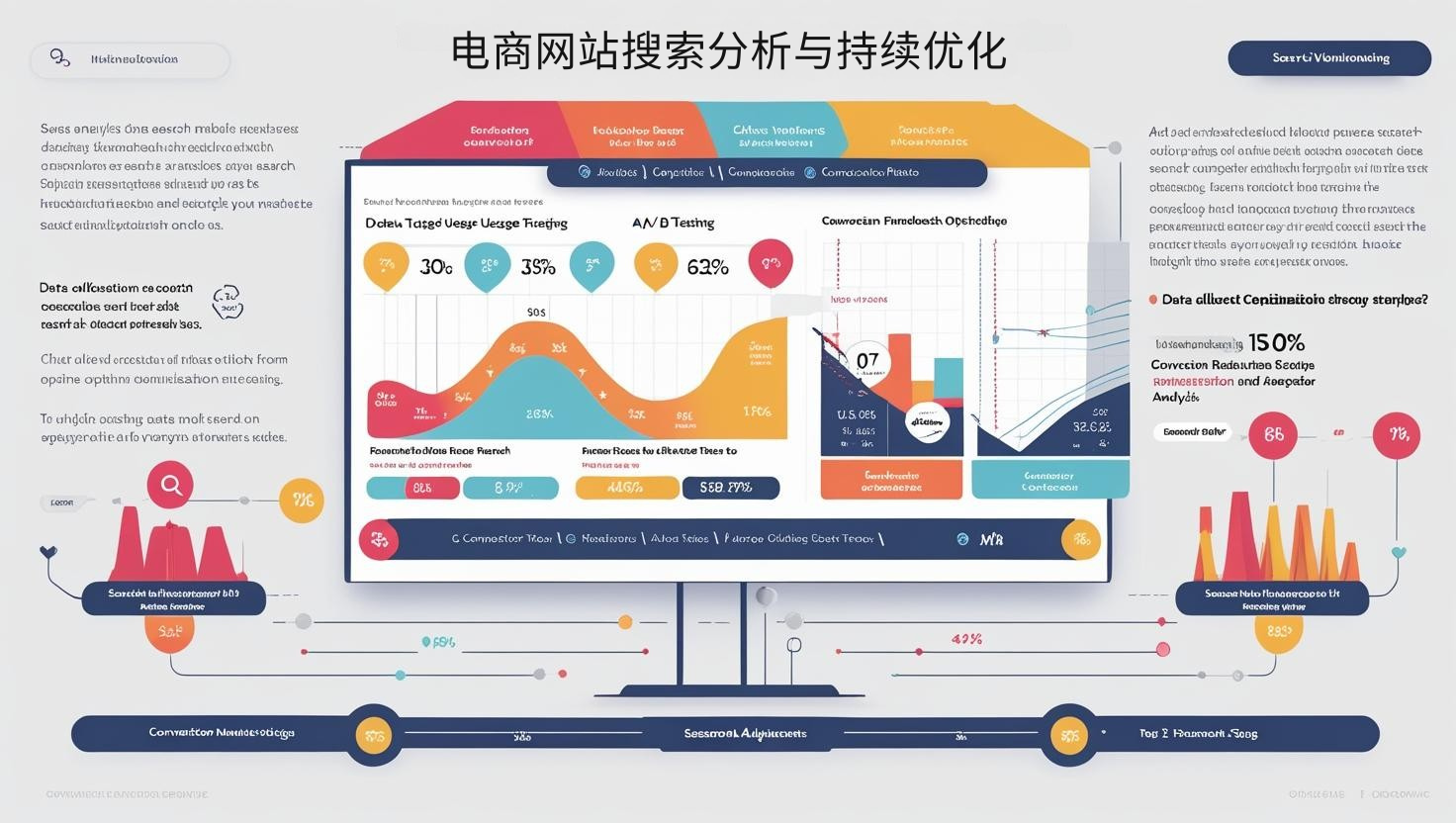
E-commerce Website Search Analysis and Continuous Optimization
Data-driven search improvements are key to long-term success:
-
Search behavior data collection:
- Tracking key metrics: search usage rate, no-result rate, and post-search click-through rate
- Recording popular search terms and trends
- Monitoring the search funnel: the conversion path from search to product viewing to adding to cart
- Collecting search session length and re-search patterns
-
Search performance improvement cycle:
- Regularly analyzing no-result search terms and adding synonyms and related products
- Examine low-click-through-rate search results and improve relevance ranking
- Optimize long-tail search terms and identify gaps in product descriptions
- A/B test different search interfaces and results page layouts
-
Seasonal and Trend Adjustments:
- Pre-optimize results for seasonally popular search terms
- Adjust search weighting based on social media and market trends
- Set up a search optimization plan for new product launches
- Analyze competitor search experiences and identify improvement opportunities
According to Econsultancy research, websites implementing data-driven search optimization can achieve an average 15-30% increase in conversion rates and a 25% increase in average order value. Search optimization is an ongoing process that constantly adjusts to user behavior and business goals.
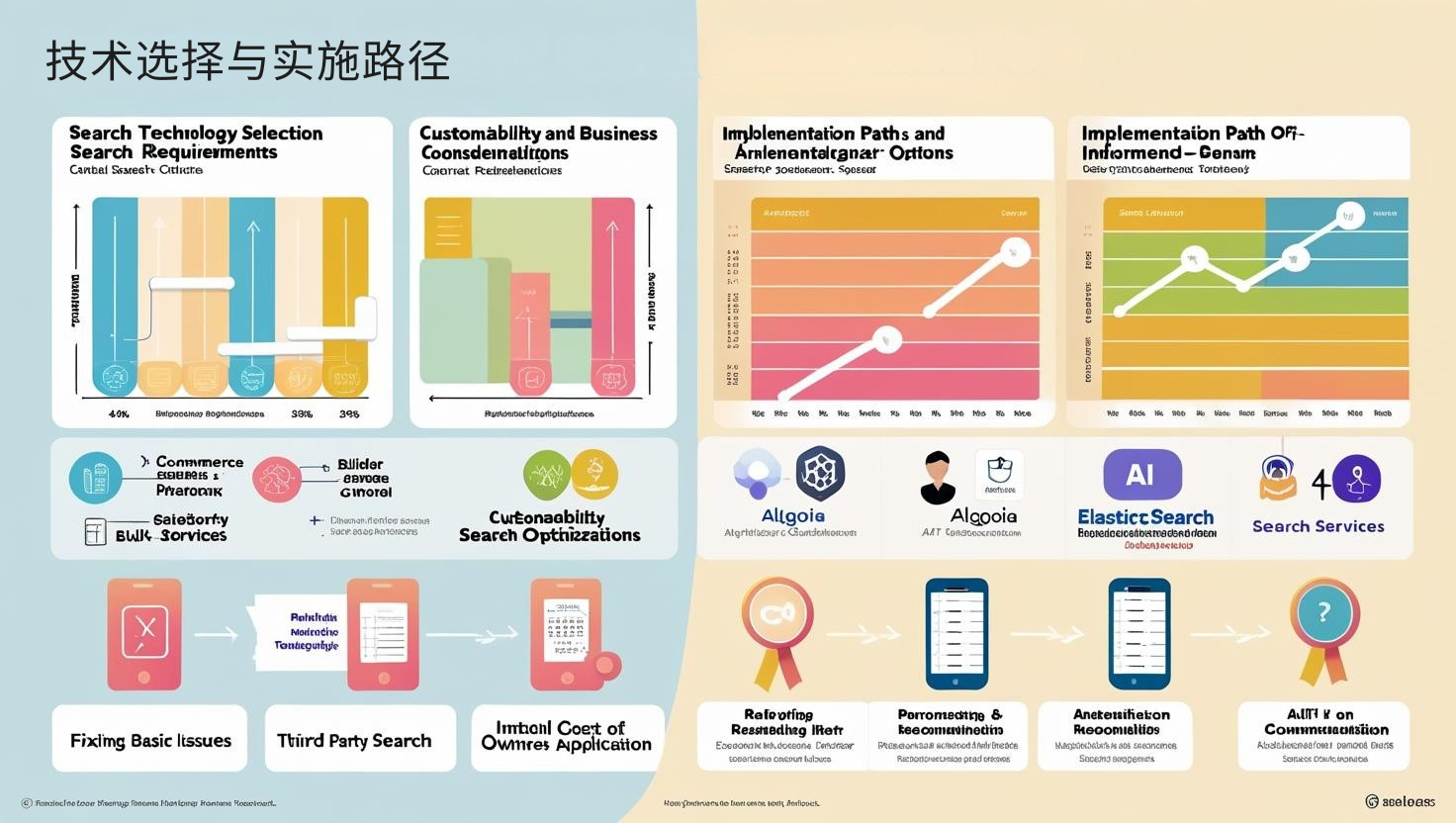
Technology Selection and Implementation Path
Choosing the right search solution is crucial to achieving the above capabilities:
-
Search Technology Selection Criteria:
- Platform Integration Difficulty and Technical Requirements
- Customizability and Business Control
- Scalability and Performance Considerations
- Total Cost of Ownership and Return on Investment Analysis
-
Implementation Path:
- E-commerce Platform Built-in Search: Suitable for small websites, with limited functionality but simple integration
- Third-party Search Applications: Such as Algolia and Searchanise, with moderate complexity and customization
- Enterprise Search Engines: Such as Elasticsearch Search and Solr are highly customizable but require technical resources.
- AI Search Services: Emerging Options, Offering Natural Language Understanding and High Personalization.
-
Phase-Based Implementation Strategy:
- Phase 1: Fixing Basic Issues, Such as Zero Results and Spelling Errors
- Phase 2: Improving Relevance Sorting and Filtering Options
- Phase 3: Adding Personalization and Intelligent Recommendations
- Phase 4: Integrating an Omnichannel Search Experience
Website search optimization is a high-return investment in improving user experience and conversion rates. By systematically improving search functionality, you can not only help users find the products they need faster but also gain valuable user intent data to guide product strategy and inventory decisions. By treating search as a strategic asset rather than a basic function, and continuously investing in and optimizing it, your e-commerce platform will gain significant competitive advantage and business growth.